Welcome STARK TOUCH DEVICE!


Blog
10.1-Inch Display Brightness: Standard 300 Nits vs. Customization up to 1500 cd/m²
For the STD101-M210 10.1-inch display, Stark Touch Device lists 300 nits as the standard brightness and customized brightness up to 1500 cd/m². These describe a standard specification and a customization limit. The upper limit should not be read as the brightness supplied with every order.
Higher brightness can improve outdoor readability. The purchasing decision is to confirm the brightness of the configuration you are ordering and evaluate its readability under your intended lighting conditions.
Standard brightness and the customization limit
| Item | Confirmed specification |
|---|---|
| Model | STD101-M210 |
| Display size | 10.1-inch |
| Resolution | 1280 × 800 |
| Standard brightness | 300 nits |
| Customized brightness | Up to 1500 cd/m² |
“Nits” and “cd/m²” express the same unit of display luminance. The distinction here is therefore between the standard configuration and the higher brightness available through customization, rather than between two different measurement scales.
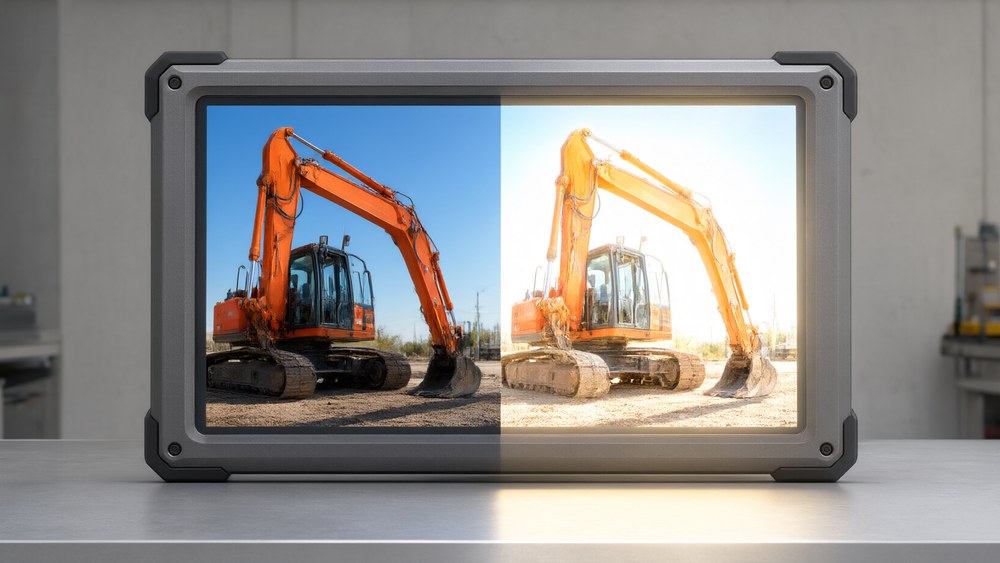
The phrase “up to 1500 cd/m²” identifies the customization limit. It does not define a catalogue of intermediate brightness options. Before ordering, ask Stark Touch Device to confirm the exact brightness and complete specification of the proposed configuration in writing.
How higher brightness helps outdoor readability
A brighter display can make information easier to see in strong ambient light, including outdoor settings. However, a brightness value alone does not guarantee readability in every installation. Reflections on the viewing surface, the direction of incoming light and the viewing position also affect what a user can see.
For that reason, neither specification should be treated as a universal pass-or-fail threshold: 300 nits does not by itself establish suitability for a particular installation, and the customized upper limit does not guarantee clear viewing in every direct-sunlight condition.
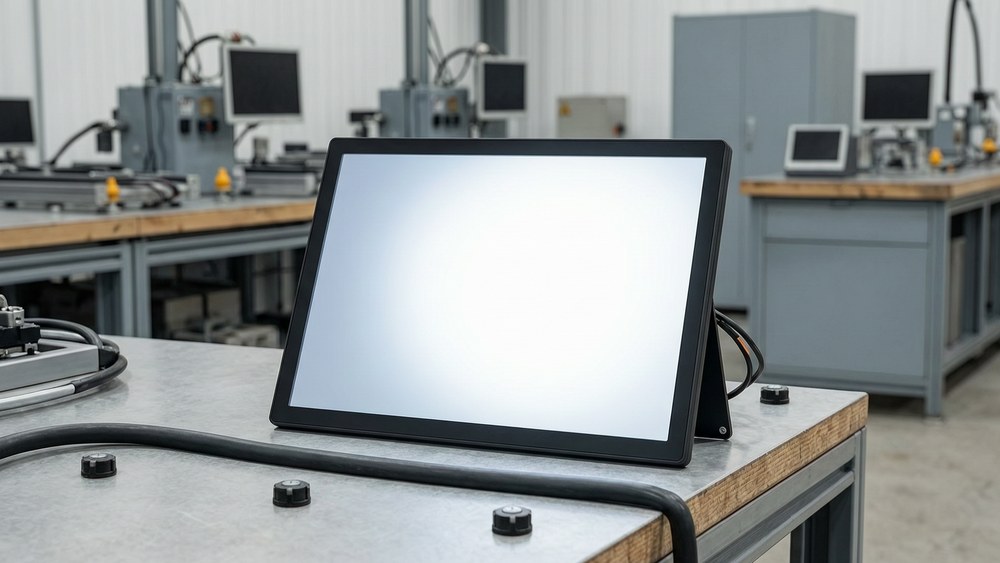
Evaluate a representative configuration with the screen content, viewing position and lighting expected in your application. This helps turn a brightness comparison into a practical buying decision.
What to confirm before ordering
- The supplied configuration: Is the quotation for standard 300-nit brightness or a customized specification?
- The agreed brightness: If customized, what exact value is being offered, rather than only the maximum available?
- The complete specification: Confirm the model, size and resolution alongside the selected brightness.
- The installation requirements: Explain whether the display will be indoors, near a bright window, under cover or exposed to direct sunlight, and agree how readability will be evaluated.
- Any additional features: Confirm these separately. The brightness specification alone does not establish optical bonding, automatic dimming, weather resistance or other capabilities.
For an enquiry to Stark Touch Device, identify STD101-M210, specify whether you are considering standard or customized brightness, and describe the intended viewing conditions. Request a written specification for the proposed configuration before making the final selection.
Specification basis: the manufacturer-supplied product information for STD101-M210. Application guidance above is general and does not represent an outdoor performance test of this model.
Stark Touch Device is the overseas brand of Shenzhen Superstark Technology Co., Ltd..